
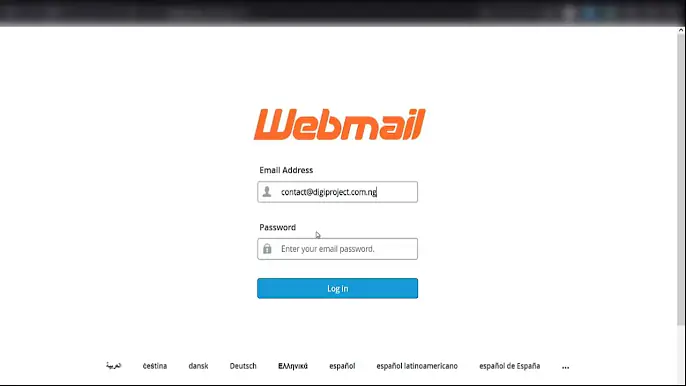
Want your emails to look professional with info@webbiit.com without paying big? This short guide shows you how to set up a free custom domain email and auto-forward it—step-by-step, with zero stress.
Why You Should Use a Domain Email
- Build instant credibility: Emails from major providers (Gmail, Yahoo, etc.) look generic. A custom domain email (like `info@webbiit.com`) instantly boosts your professionalism.
- Stay organized: Auto-forwarding sends all messages to your main inbox—no logging into multiple accounts.
- Perfect for solopreneurs: You get a branded email address and simplicity—without the complexity or cost.
What You’ll Learn
From the video, here’s the fast and easy way to get a free domain email with forwarding:
1. Choose a Free Email Domain Provider
Platforms like Hostinger or Zoho Mail allow you to create a free email associated with your domain.
2. Verify Your Domain
Add MX records and any other DNS settings recommended during setup.
3. Set Up Automatic Forwarding
Configure the control panel (cPanel, hPanel, or similar) to forward incoming emails to your primary inbox—seamless and automated.
4. Test & Simplify Communication
Send a test message to confirm auto-forwarding works. Now, enjoy using your branded email while receiving everything in one place!
Why It Matters
- No additional cost — Just your existing domain and a provider’s free plan.
- Easy setup — No tech wizardry required.
- Business-ready — You look professional, stay consistent, and manage email effectively.
Want to follow along with the video?
If you already own a domain, implementing this can take less than 15 minutes. Improve your online presence and dse communication, starting today!